WhatsApp now supports secure device-to-device transfers and cloud backups. Keep both phones handy, charge them, and follow the flow that matches your switch.
Before you start (applies to any switch)
- Update WhatsApp on both phones; keep the same phone number and SIM/eSIM ready.
- Turn off VPNs; connect to the same Wi-Fi if using device-to-device transfer.
- Back up chats first: iPhone → iCloud; Android → Google Drive (Settings → Chats → Chat backup).
- Disable two-step verification temporarily if you’ve forgotten the PIN; re-enable later.
Fastest: device-to-device via QR (same OS or cross-platform)
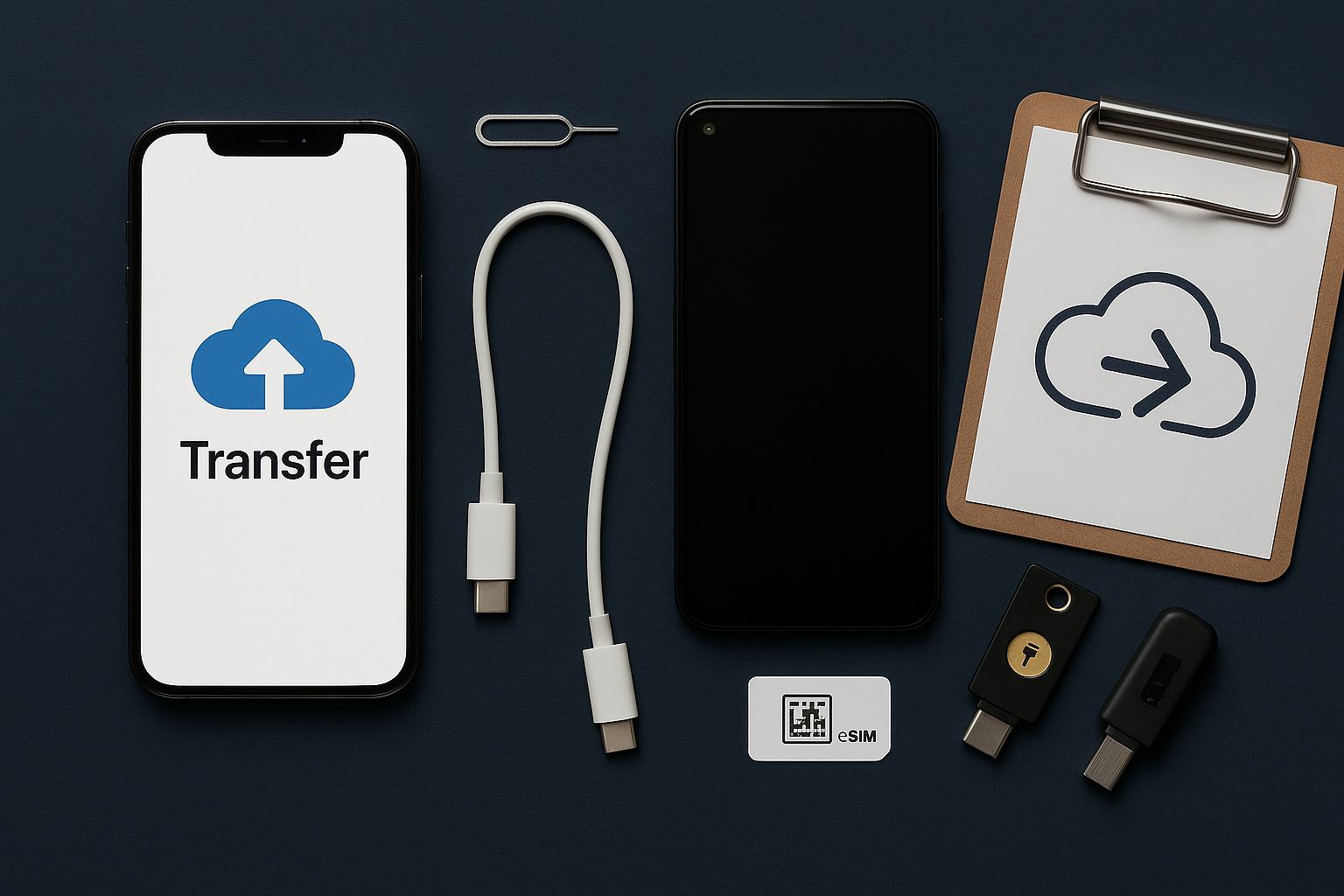
- On the new phone, install WhatsApp → verify your number → choose Transfer from old device.
- On the old phone, open WhatsApp → Settings → Chats → Transfer chats (or follow the prompt).
- Scan the QR code with the old phone; keep screens on and devices close until complete.
This preserves media and most settings. Large histories can take a while—keep both plugged in.
iPhone → iPhone (iCloud backup restore)
- Old iPhone: Settings → [name] → iCloud → iCloud Drive on. WhatsApp → Chats → Chat Backup → Back Up Now.
- New iPhone: install WhatsApp → verify number → restore from iCloud when prompted.
Android → Android (Google Drive backup restore)
- Old Android: WhatsApp → Chats → Chat backup → Back Up to Google Drive (include videos if you want).
- New Android: sign into the same Google account → install WhatsApp → verify number → restore.
iPhone ↔ Android (cross-platform)
iPhone → Android
- New Android: during setup or in WhatsApp, choose Transfer chats.
- iPhone: follow prompts to connect and export; keep WhatsApp open until done.
Android → iPhone
- New iPhone: install WhatsApp → choose Transfer chats and follow the QR pairing steps.
- Android: approve the transfer; keep both connected until finished.
Troubleshooting & notes
- Can’t verify number: wait for SMS; use “Call me.” Ensure the SIM/eSIM is active.
- Media missing: some flows transfer chats first; media downloads afterward over Wi-Fi.
- Two phones, one account: WhatsApp supports linked devices, but the main phone holds chat history.
- Business accounts: migrate the same way; verify business info after transfer.
You can’t merge two different phone numbers’ histories into one account.