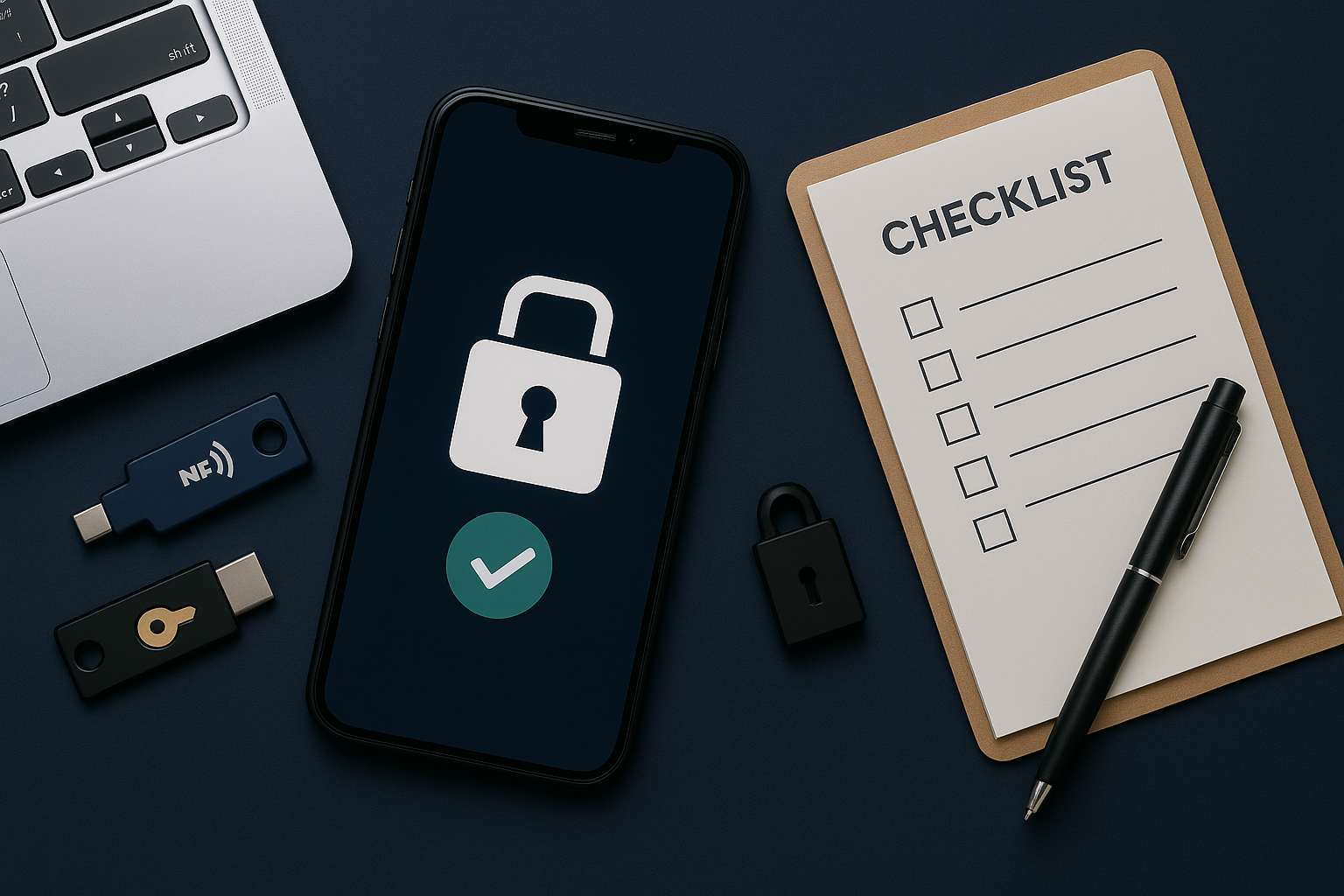
Passkeys replace passwords with device-based sign-ins; 2FA adds a second step for accounts that don’t support passkeys yet. Turn them on in this order.
What to enable first (order matters)
| Priority | Account | Why |
|---|---|---|
| 1 | Email (Gmail/Outlook/iCloud) | Master key for resets; protect it first |
| 2 | Password manager | Secures all logins; add strong 2FA or passkey |
| 3 | Bank/Payments | Money + ID risk |
| 4 | Cloud storage | Personal documents/photos |
| 5 | Social & shopping | Impersonation and purchases |
Turn on passkeys (where available)
- Go to the site’s Security / Passkeys page → Create passkey → approve with phone biometrics or device PIN.
- Sync passkeys with your platform (iCloud Keychain, Google Password Manager, or a compatible password manager).
- Keep at least two devices with passkeys (e.g., phone + laptop) so you have a backup sign-in method.
Enable 2FA where passkeys aren’t supported
Best method order
- Security keys (FIDO2/U2F) — strongest; carry two.
- Authenticator app (TOTP) — great fallback; store setup key/QR securely.
- SMS — better than nothing; avoid as sole method if possible.
Save recovery options
- Download backup codes; store in a secure notes vault.
- Add a second factor/device to avoid lockouts if you lose your phone.
Security key setup (quick)
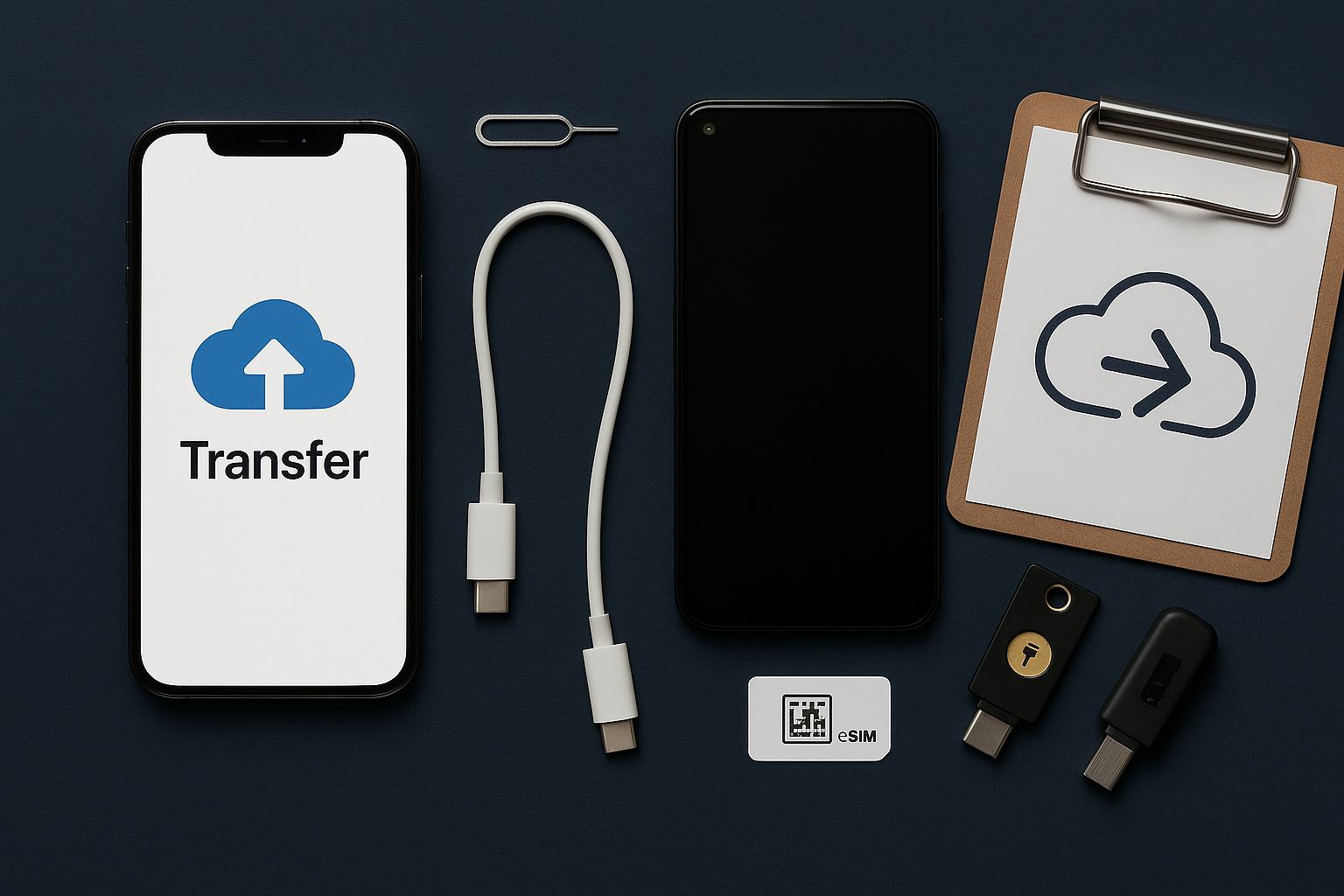
- Buy two FIDO2 keys (USB-C/NFC or Lightning/NFC for older iPhones).
- Register both on your email, password manager, and cloud storage first.
- Label them (Key-A, Key-B) and store one at home as a backup.
House rules that keep accounts safe
- Unique passwords everywhere; let a manager generate them.
- Turn on login alerts for new devices/locations.
- Review third-party app access every few months; remove what you don’t use.
- Never share 2FA codes or recovery codes with support—legitimate support won’t ask.
FAQ
What happens if I lose my phone with passkeys?
Use a second device that also has your passkeys, or sign in with your account’s recovery method (backup codes/security key). Set up at least two devices now.
Do passkeys replace 2FA?
Passkeys are phishing-resistant and can replace passwords on supported sites. Keep 2FA for accounts that don’t support passkeys yet.
Are authenticator apps safer than SMS?
Yes—TOTP apps aren’t vulnerable to SIM-swap the way SMS is. Use SMS only as a backup.