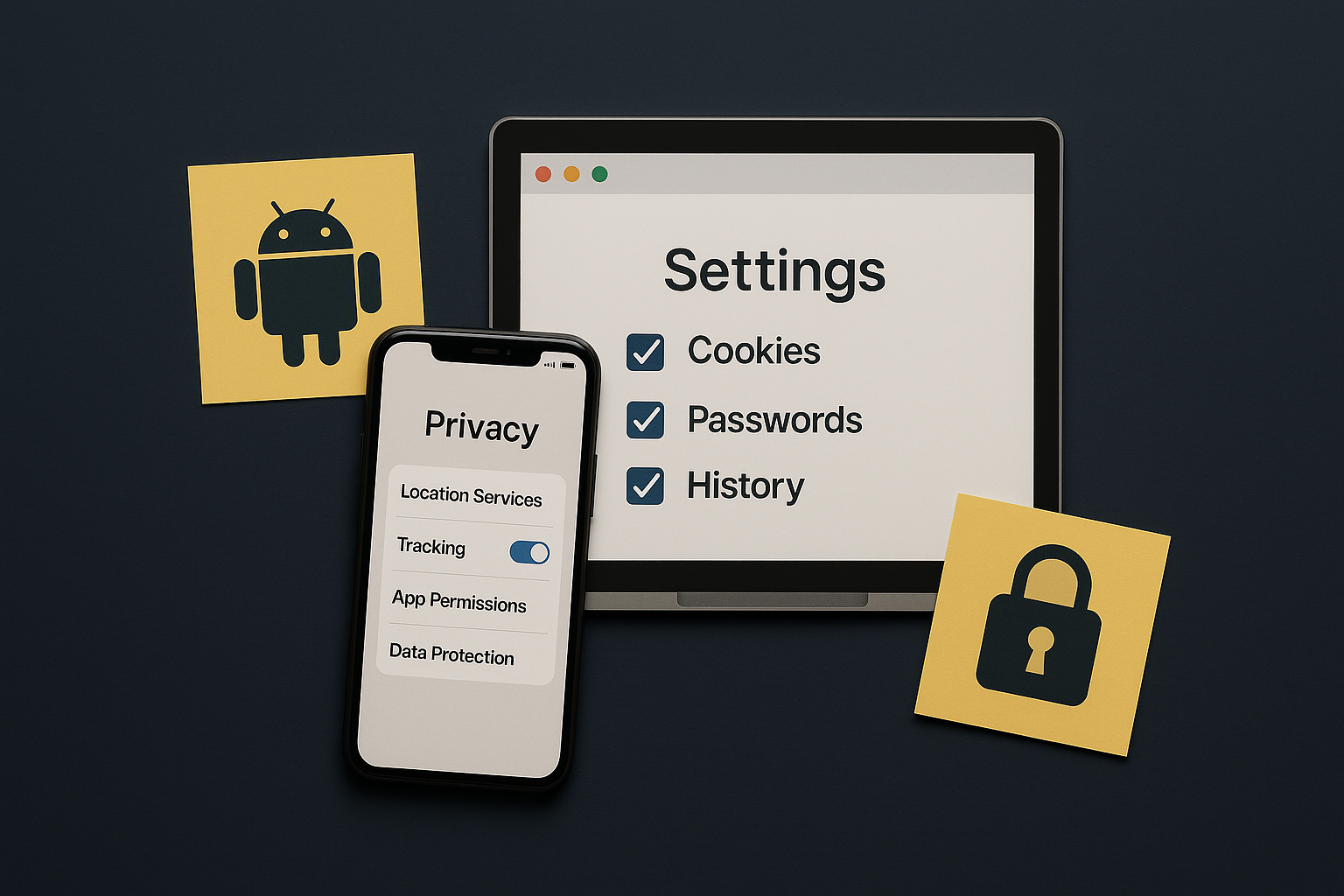
Five changes that cut the most tracking with the least pain. Do the phone first, then the browser.
Phone (iOS & Android)
Permissions review
- Location: While Using for maps; deny for weather/news.
- Microphone/Camera: allow only for video/chat apps.
- Photos: Selected Photos (iOS) or limited library.
Ad tracking
- Limit Ad Personalization / Ask Apps Not to Track.
- Reset advertising ID.
Lock screen & backups
- Turn on strong device PIN/biometrics.
- Encrypt backups; avoid SMS for 2FA—use an authenticator app.
Browser (desktop & mobile)
- Block third-party cookies; consider privacy-oriented browsers.
- Turn off cross-site tracking; clear site data for trackers you don’t need.
- Extensions: ad-blocker + password manager (trusted vendors only).
- Use separate profiles for work/personal; disable background sign-in.
Check what your browser leaks with our simple tests (coming soon): Browser Leaks.
Maps & location hygiene
- Delete old timeline/history if you don’t use it.
- Disable precise location for apps that don’t need street-level accuracy.
- Turn off Bluetooth/Wi-Fi scanning when not needed.